Docs › Extensions › Browser
Connect your browser
Link the extension to your Boardway account once.
1 min read · Updated Nov 6, 2026 · Extension 0.1.2
On this page
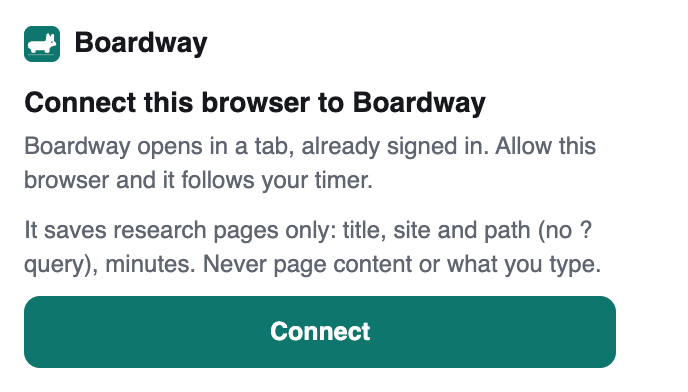
Click the corgi, then Connect
Boardway opens in a tab, already signed in.
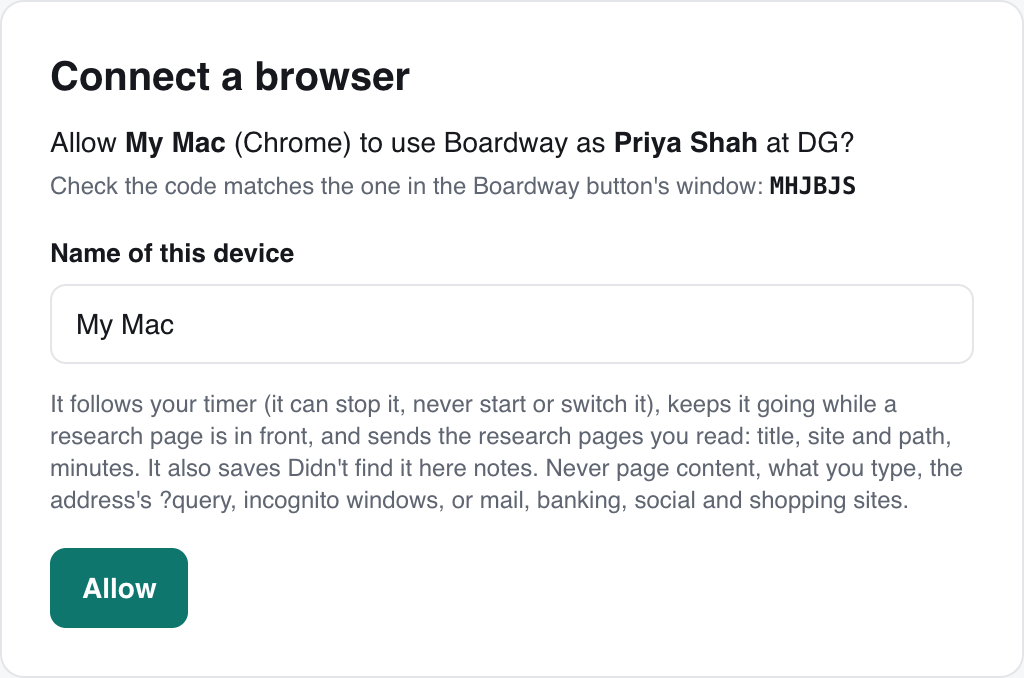
Check the code and click Allow
The code on the page must match the one in the popup. Click Allow. The tab closes by itself and the browser shows up in Settings, Devices.
Signed in to Boardway in another browser?
Click Type the code instead in the popup and type the 6 letters at boardway.work/device wherever you're signed in.