Docs › Extensions › Browser
Your day and the card
Where the pages you read show up in Boardway.
1 min read · Updated Nov 6, 2026 · Extension 0.1.2
Your day
Under each block, Your day lists the research read while it ran. Tap it for the page titles.

Reading with no timer
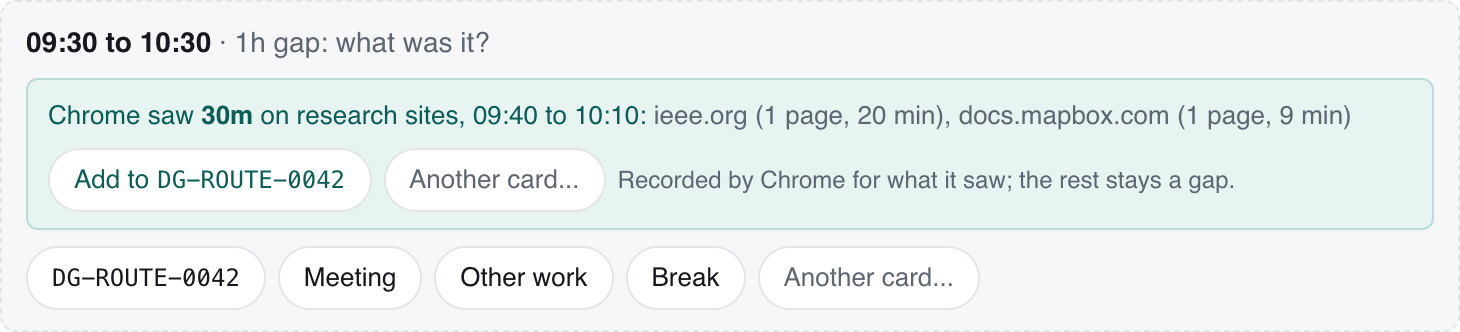
The gap on Your day says what the browser saw. Add to a card records that time on the card, labelled Recorded (Chrome). The rest of the gap is still yours to sort.
Remove a visit
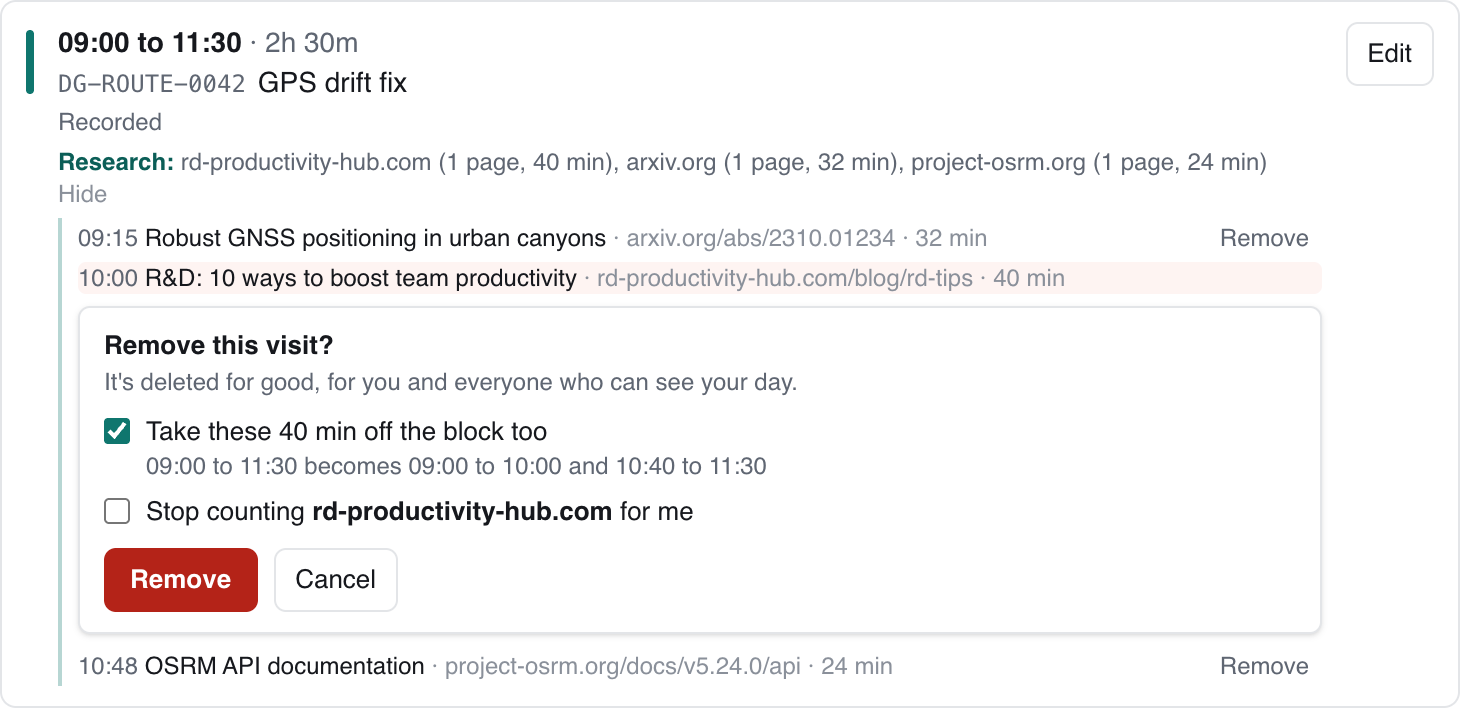
Opened a page that isn't really research? Tap Remove next to it, under a block, in a gap or on the card's Research. It's deleted for good, with no reason to give.
- Take these minutes off the block too (ticked) cuts the page's time out of the block, so the timer's time on it doesn't count. A page in the middle splits the block in two.
- Stop counting this site for me shows for sites on your own list, so it doesn't count next time.
- On an approved day, taking the minutes off changes what went to Sredify, so it asks for one line about why. Locked days can't be changed.
- A page that's still open can't be removed yet. Leave it first.
The card page
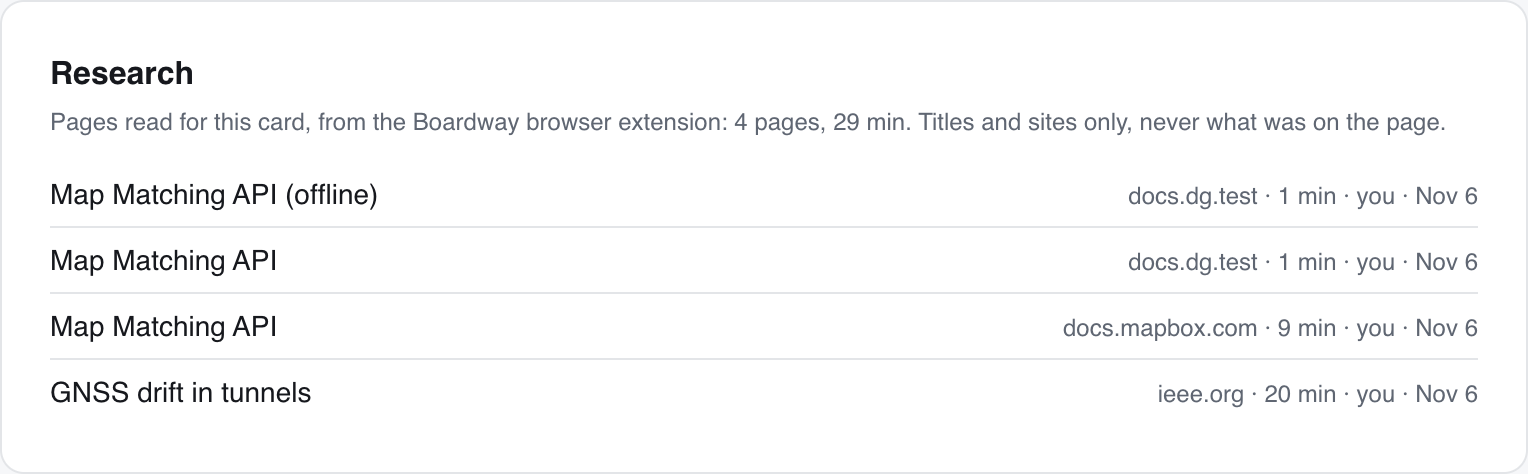
The card page has a Research section with the pages read on it. Your own rows have Remove too.
Who sees your research
You see your own. Your Admins, and the project's Lead when your company lets Leads see hours, see it only for days you've approved.